Blognotes from the classroom
What I’m building for my B2 classes, what works and what still needs checking
New here? There’s a shelf of things for students on the resources page, and a little about me and this site.
Canva AI: small artefacts, quite a lot of fun
Claude isn’t the only AI I’ve experimented with this year. Inspired by a friend’s examples, I gave Canva AI a go as well.
What do I like most about Canva AI now? The animations and sounds are pretty great, and, most importantly, it works. Also, at the beginning of the course, when I was otherwise only using ChatGPT, Canva AI was better than anything else I’d tried at producing interactive activities that were at least halfway decent-looking. Will it come out on top again? Time will tell.
Here are my small artefacts:
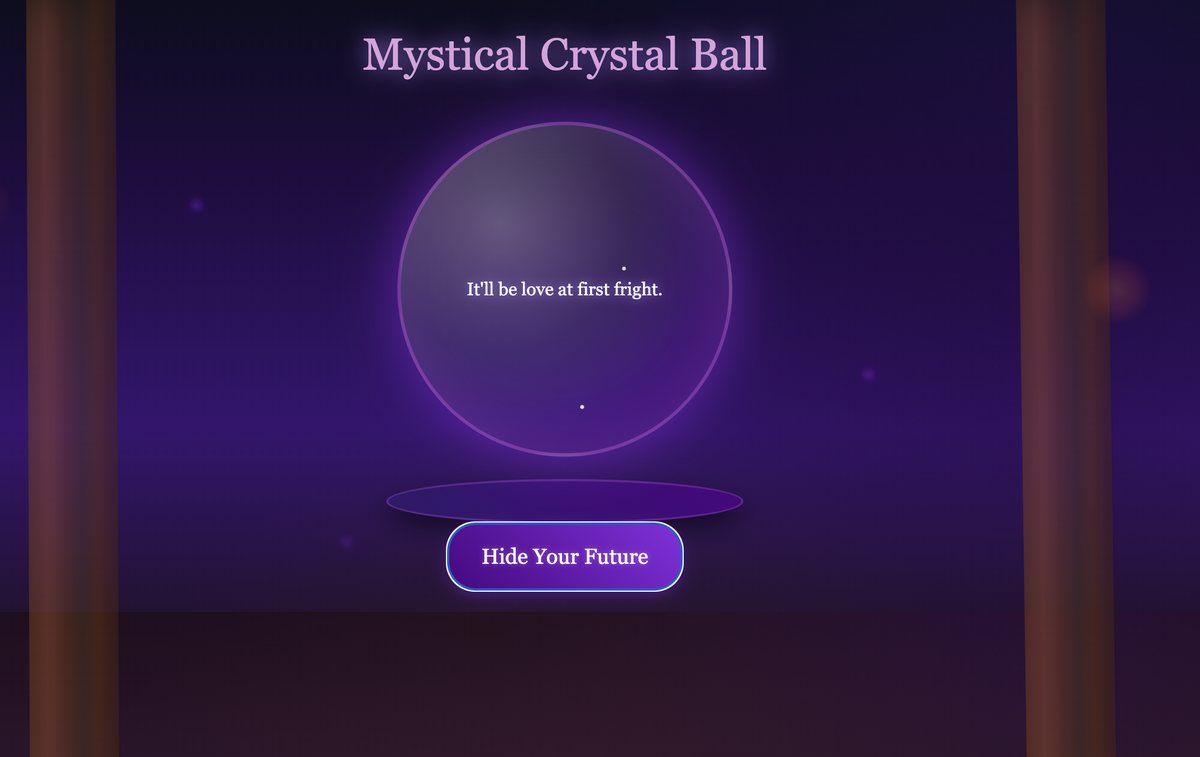
A crystal ball that predicts the romantic outcome of a pairing
It uses Halloween-inspired language, and I designed it for an activity in which students played matchmaker for famous spooky characters.
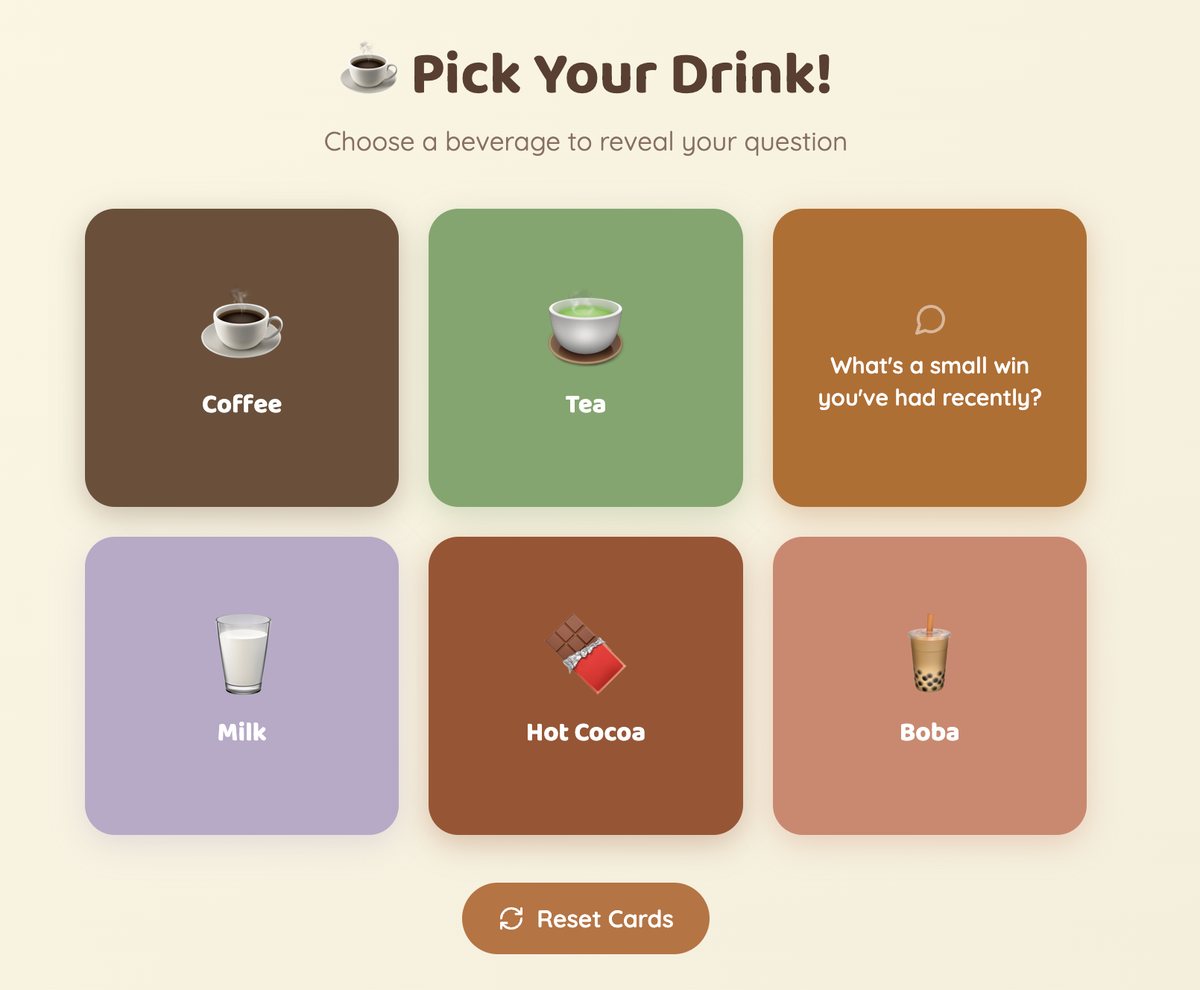
A cute warm-up
Adapted from an image: students pick a drink and get a question to answer.
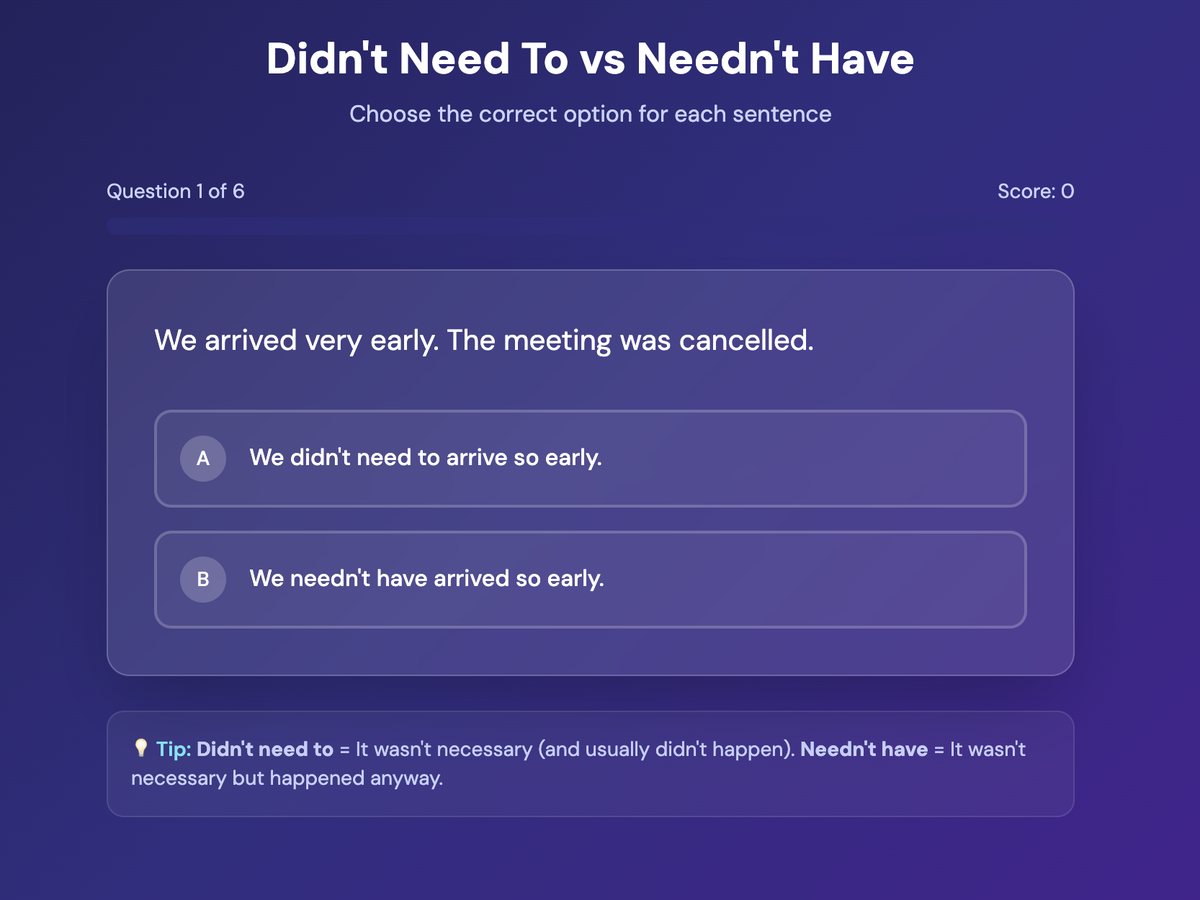
A very basic quiz
Didn’t need to vs needn’t have — a small distinction that causes a surprising amount of trouble.
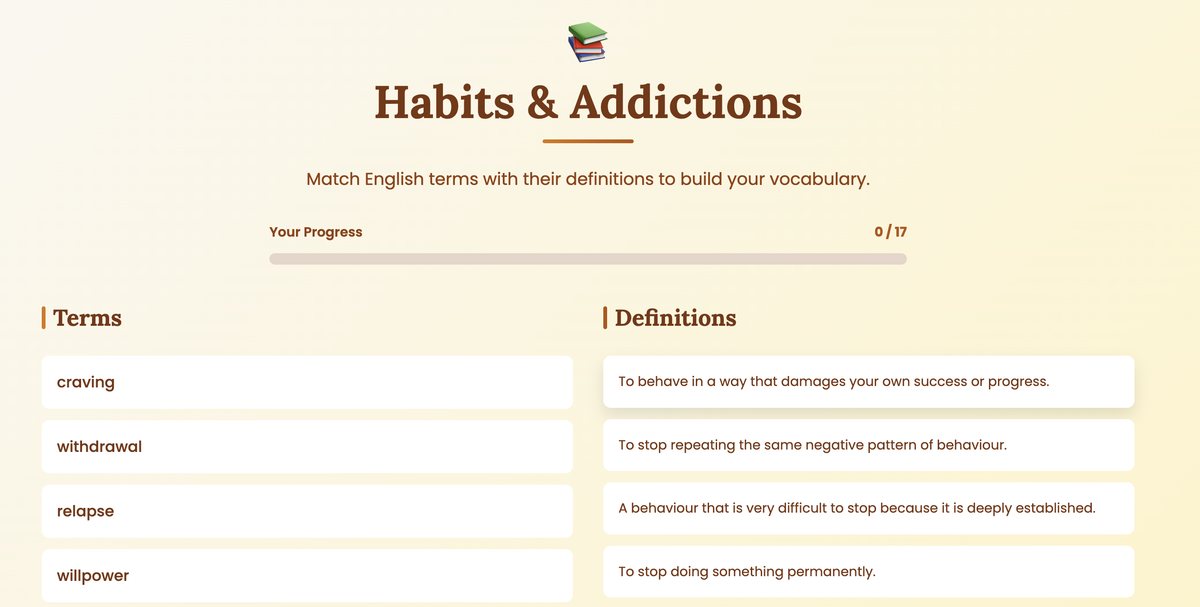
A simple matching activity
Seventeen pairs of habits and addictions vocabulary, matched against their definitions.
Two Suno-generated songs for verb patterns
I’ll also throw in these: one tab for gerunds, one for to-infinitives. Just a fill-in-the-blanks activity, with tabs — and a song to listen to while you do it.
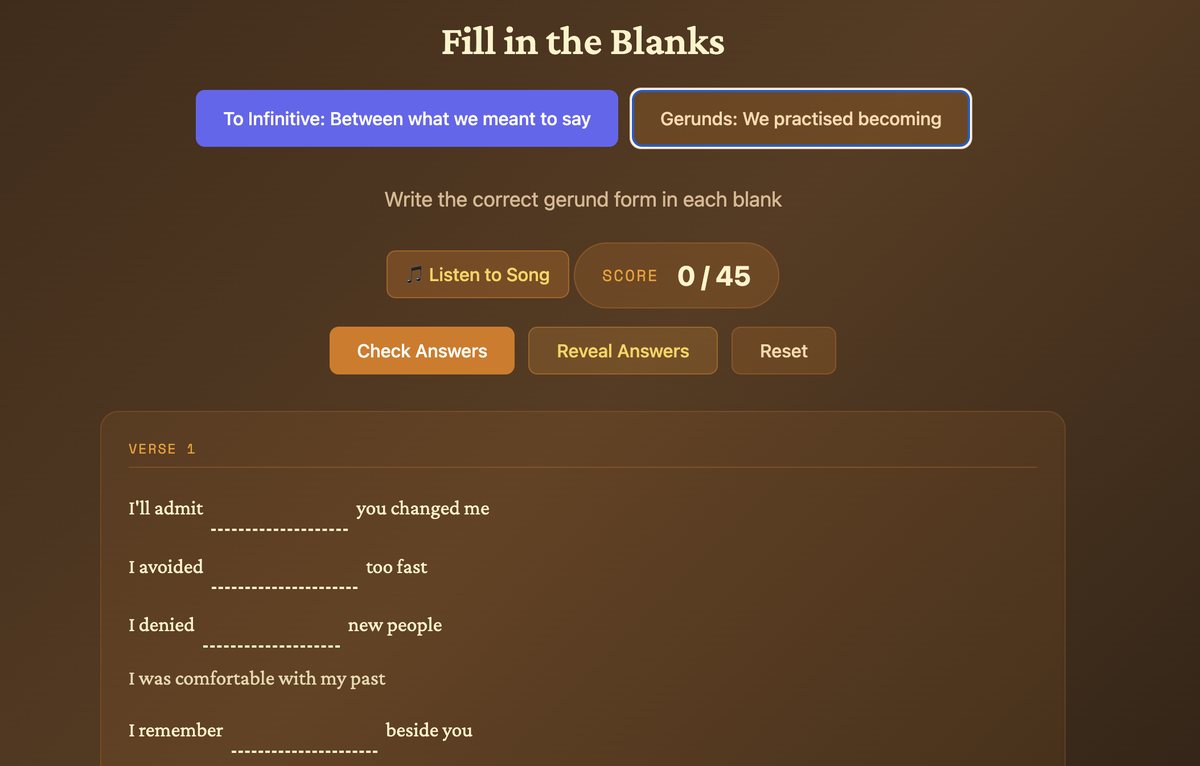
These all live on Canva’s servers rather than mine. If you’d rather have something you can download and adapt, the activities in my first post are plain HTML.
ChatGPT summaries
Although ChatGPT still makes mistakes when creating images, it does help to synthesise the contents of the course (a B2.2–C1 summary) or vocabulary onto a single page.
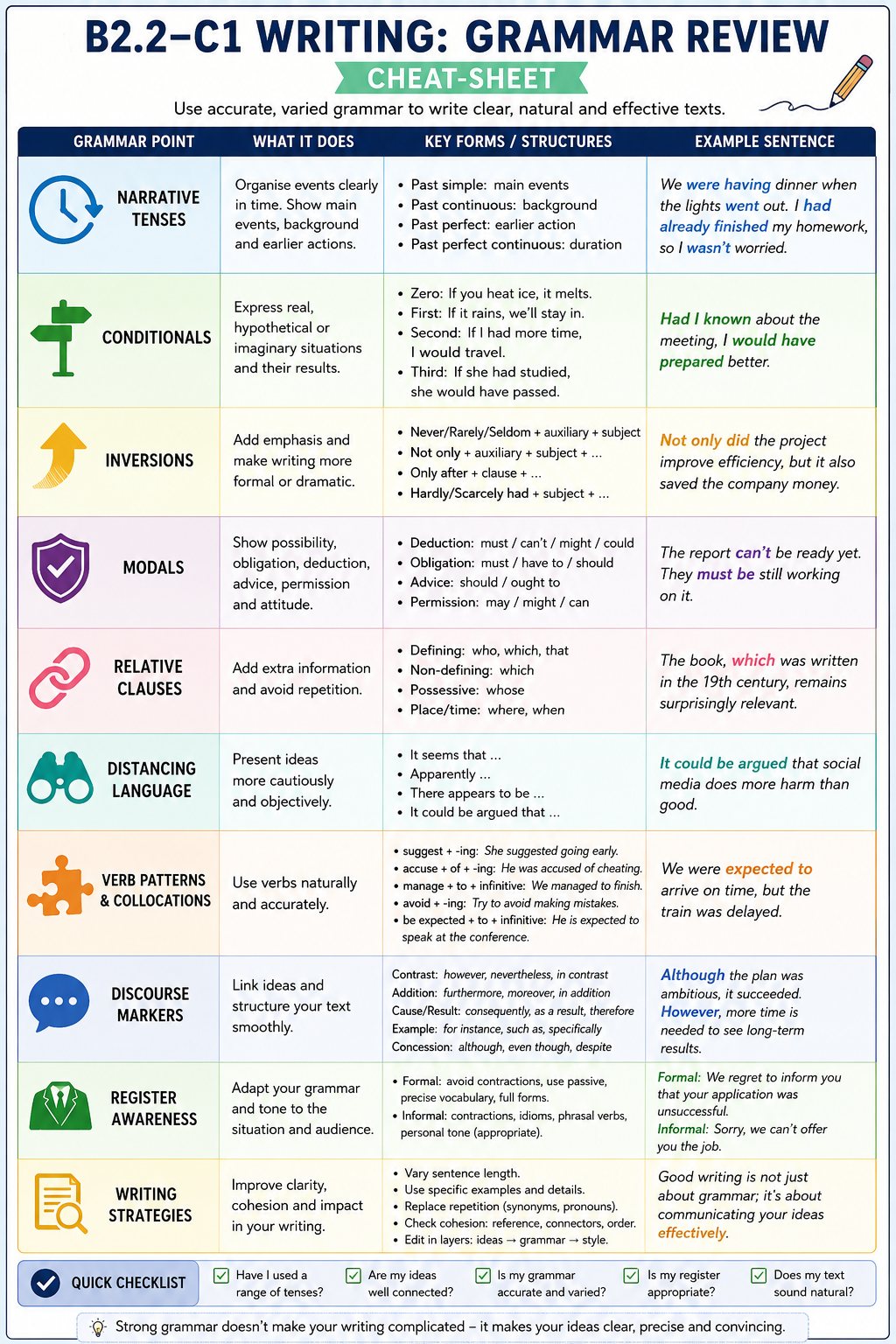
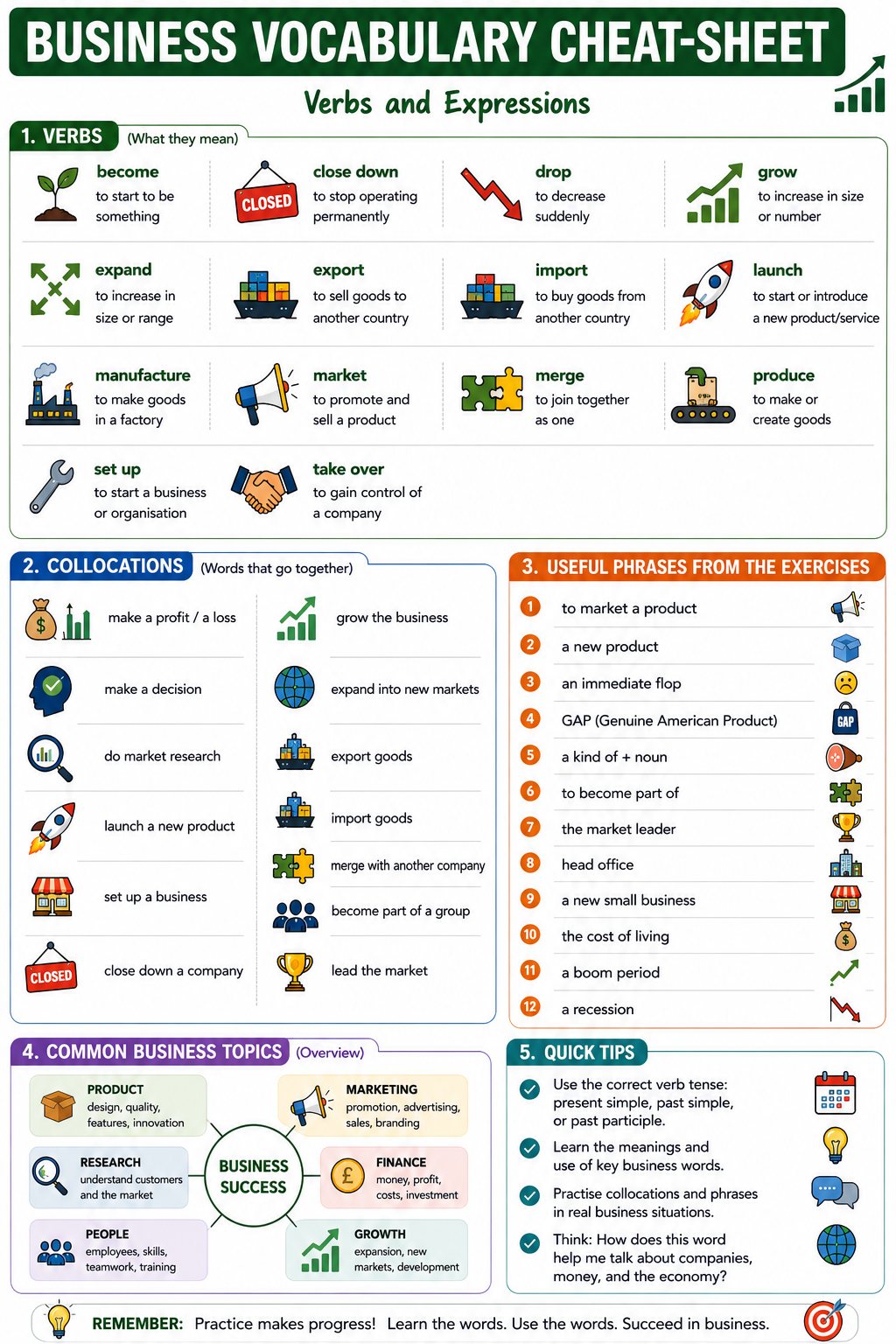
Click either sheet to see it full size.
Is it better than getting Claude to build it as an HTML page? Probably not. And it does need refinement, and someone to check the output — the vocabulary it chose to illustrate didn’t really reflect the input I’d given it, and feels quite random. Look closely at the business cheat-sheet, for instance, and you’ll find GAP glossed as “Genuine American Product”. It isn’t: the brand was named after the generation gap. A tidy illustration of why you can’t just hit publish.
But as a way of getting a visual representation that will aid memorisation, yes, it does work.
A year of trying out AI for EOI English classes
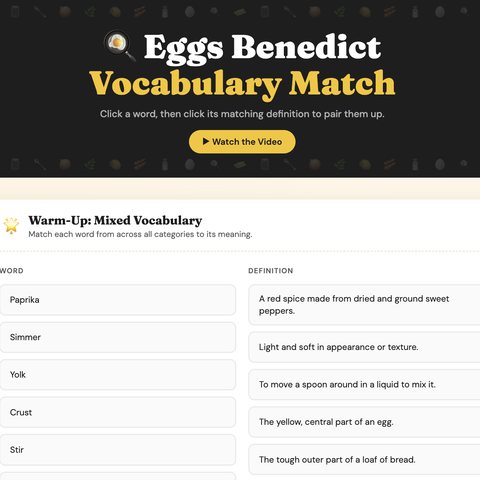
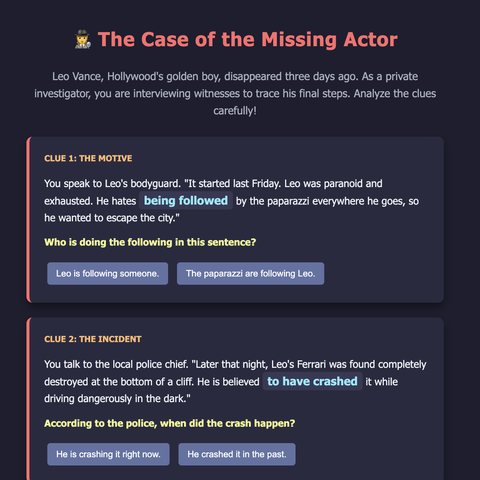
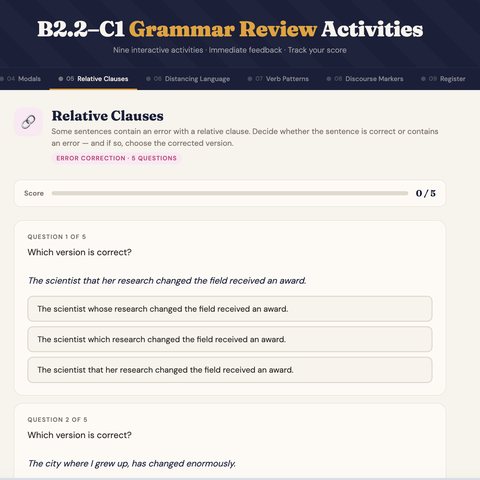
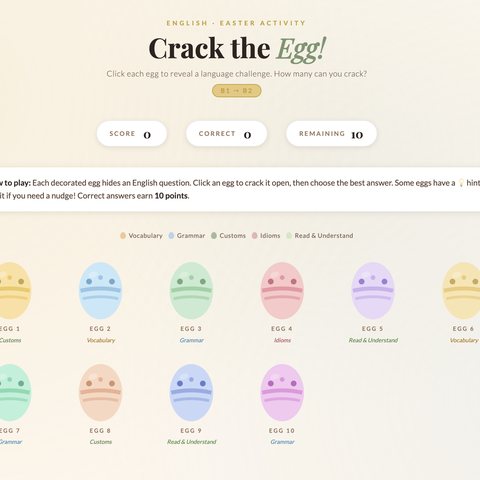
Over the past few months, I’ve been building interactive HTML activities for my B2 classes and I’ve now put them all in one place. There’s a bit of everything: speaking boards with timers and random question pickers, vocab matching activities, grammar exercises in somewhat more interesting context, exam prep activities, and even a seasonal quiz (Easter).
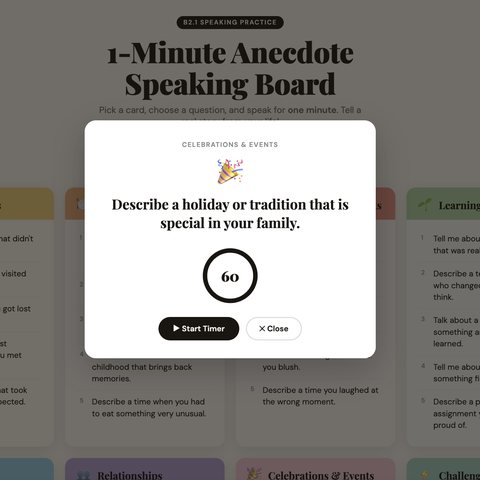
You can read about each of them and have a look at everything I’ve published here:
as1-design.github.io/english-learning-activities
Have a browse, get some ideas and let’s all have some fun!
I’ve also created some stuff in German… Basically, versions of some of the
English files.
as1-design.github.io/deutschesprache
There are also a couple apps that are unfortunately not ready to be shared 🫢